Support operations
Summarize inbound issues, draft replies, inspect order context, and prepare escalation notes without giving every workflow broad access.
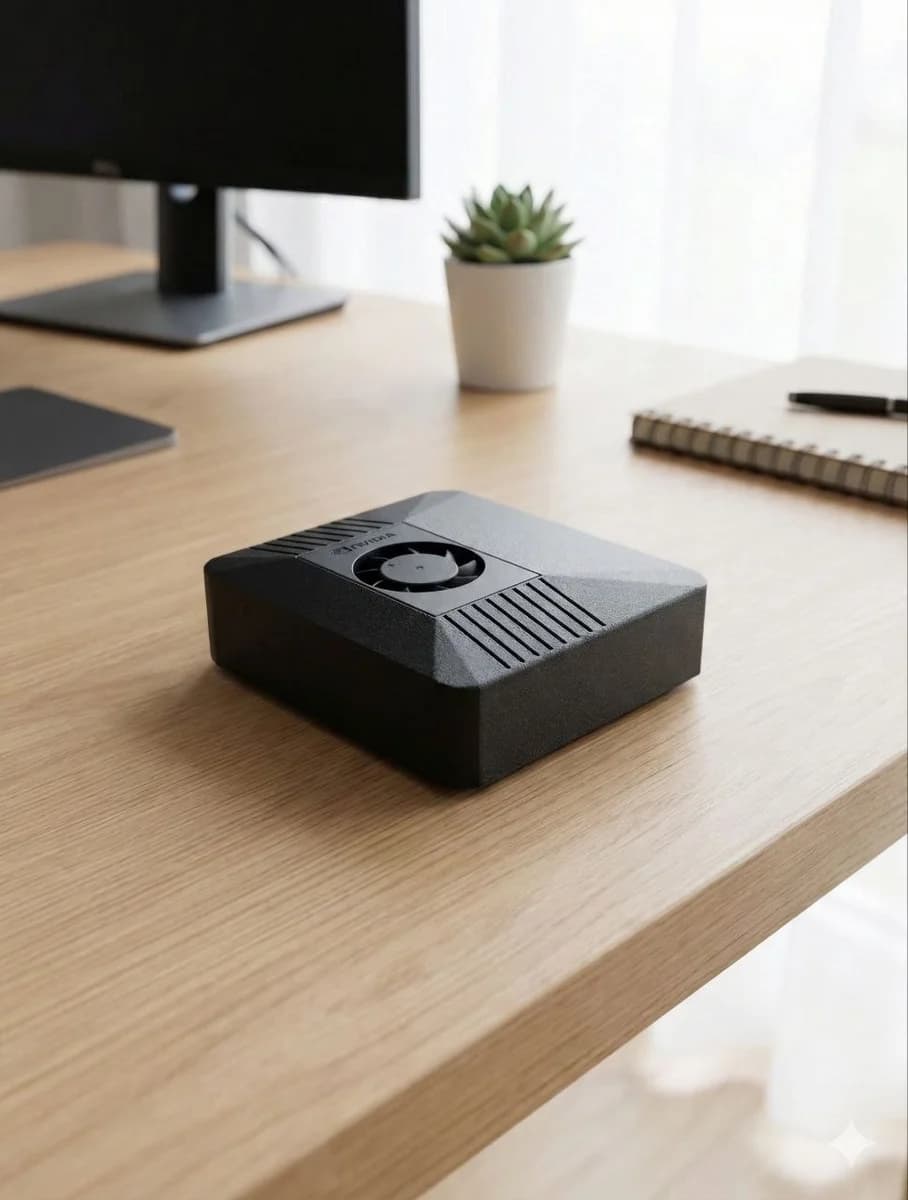
ClawBox for teams
Give your team an always-on AI operations box that can work with browsers, files, dashboards, messaging, support queues, and code repositories while keeping risky actions behind human approval.
Agent run completed
5/5 checksMarketing QA verified scheduled posts, Meta connection, campaign files, and publish scripts.
Dedicated AI assistant hardware for each team, department, or secure workspace.
Local-first browser automation, files, voice, and messaging workflows.
Approval gates for emails, publishing, customer data, credentials, and production systems.
Repeatable setup for pilots, internal operations, support, sales, QA, and engineering teams.
Where it fits
ClawBox is strongest when teams need AI to operate tools, check evidence, draft outputs, and report status without silently taking high-impact actions.
Summarize inbound issues, draft replies, inspect order context, and prepare escalation notes without giving every workflow broad access.
Research leads, prepare campaign drafts, verify scheduled posts, check landing pages, and keep publishing behind approval.
Run repository checks, browser smoke tests, release readiness reviews, and evidence-based findings before changes go live.
Turn repeated dashboard checks, browser tasks, inbox triage, and status reporting into reliable local routines.
Why hardware
B2B teams need repeatability, ownership, and auditability. A dedicated ClawBox can be scoped to one team, one browser profile, one workspace, and one approval model.
Pilot package
Pick one team workflow that repeats every week.
Connect only the tools and accounts that workflow needs.
Run in read-only or draft-only mode first.
Add approval gates before email, publishing, deploys, refunds, or customer-data exports.
Review the run log, findings, and time saved before expanding.
Best for teams that want a controlled first deployment: internal ops, support, sales, marketing QA, release checks, or private browser automation.
Hardware: ClawBox Jetson Orin Nano package
Setup: workspace, browser profile, approval model
Output: one working workflow plus run evidence