Exigences Matérielles
Tout ce dont vous avez besoin pour exécuter OpenClaw localement, des spécifications minimales aux configurations utilisateur avancées.
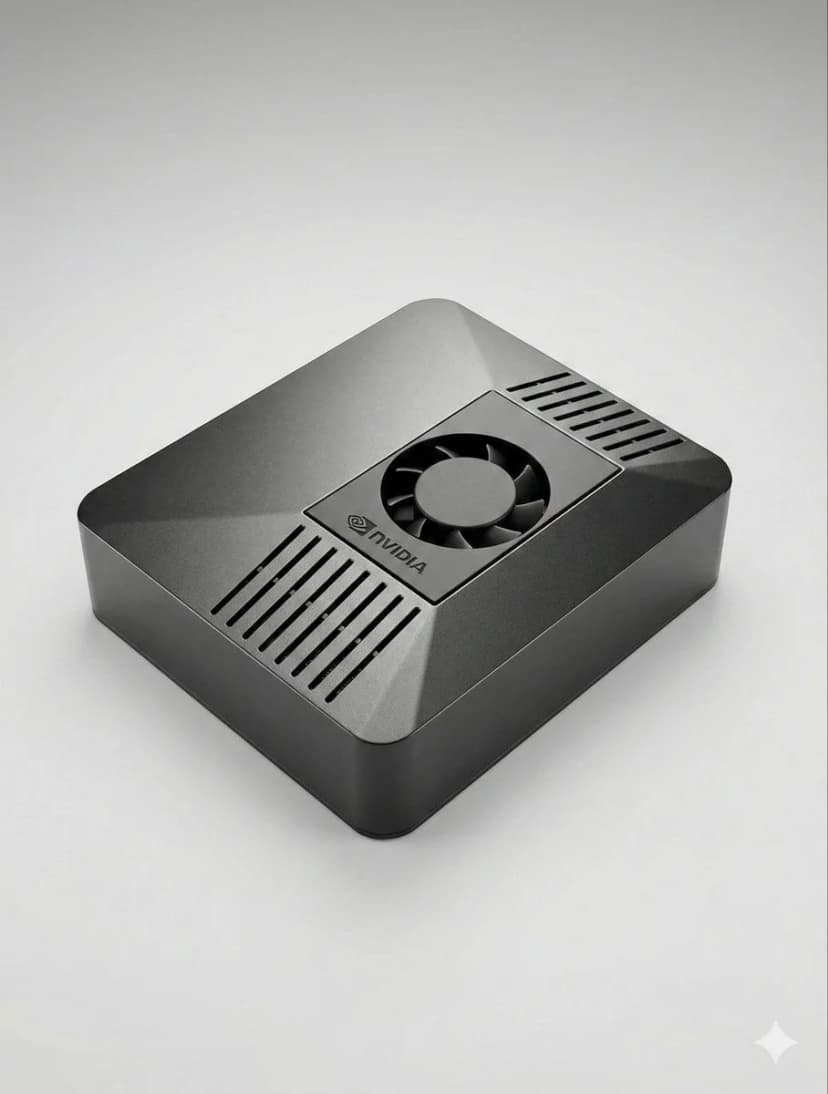
Conditions préalables
- 1Node.js 18+ installed
- 24GB+ RAM recommended
- 3Linux, macOS, or Windows
- 4Connexion Internet toujours active
Configuration de Telegram
- 1Open Telegram and search @BotFather
- 2Envoyez /newbot pour créer un bot
- 3Copiez le jeton API
- 4Add token to OpenClaw config
Configuration de Discord
- 1Go to Discord Developer Portal
- 2Créer une nouvelle application
- 3Créer un bot et obtenir le jeton
- 4Activer les intentions requises
Pipeline vocal
- 1Installer Whisper pour la reconnaissance vocale
- 2Installer Kokoro TTS pour la synthèse vocale
- 3Configurer les périphériques audio
AI Models
- 1Ajouter votre clé API (Anthropic, OpenAI, etc.)
- 2Ou télécharger des modèles locaux
- 3Configurer les préférences du modèle
- 4Tester avec une simple invite
Configuration avancée
- 1Configurer systemd pour le démarrage automatique
- 2Configurer l'automatisation du navigateur
- 3Configurer les tâches cron pour la surveillance
Conseils de pro
Exécutez 'openclaw status' pour vérifier si tous les services fonctionnent correctement
Utilisez 'systemctl restart openclaw' si vous rencontrez des problèmes après la configuration
Vérifiez les journaux avec 'journalctl -u openclaw -f' pour le débogage en temps réel
Activez les mises à jour automatiques pour obtenir les dernières fonctionnalités et correctifs de sécurité
Choose the right OpenClaw hardware before you set it up
OpenClaw setup is fastest when the hardware is already matched to your workload. If you are still deciding between ClawBox, Raspberry Pi, Mac Mini, or a mini PC, start with our guide to the best OpenClaw hardware before you configure bots, voice, and browser automation.
See the best hardware for OpenClawBesoin d'aide ?
Rejoignez notre communauté Discord pour obtenir de l'aide à la configuration.
If you want the more structured step-by-step reference version, including troubleshooting follow-up, open the docs setup guide.
If your main goal is messaging, jump straight to the OpenClaw Telegram setup guide for BotFather, allowFrom, pairing, and group-safe defaults.
Skip the Setup — Get ClawBox
Pre-configured with OpenClaw + 4 AI models. Plug in, connect WiFi, scan QR. Done in 5 minutes.
Garantie de remboursement 30 jours