Requisiti Hardware
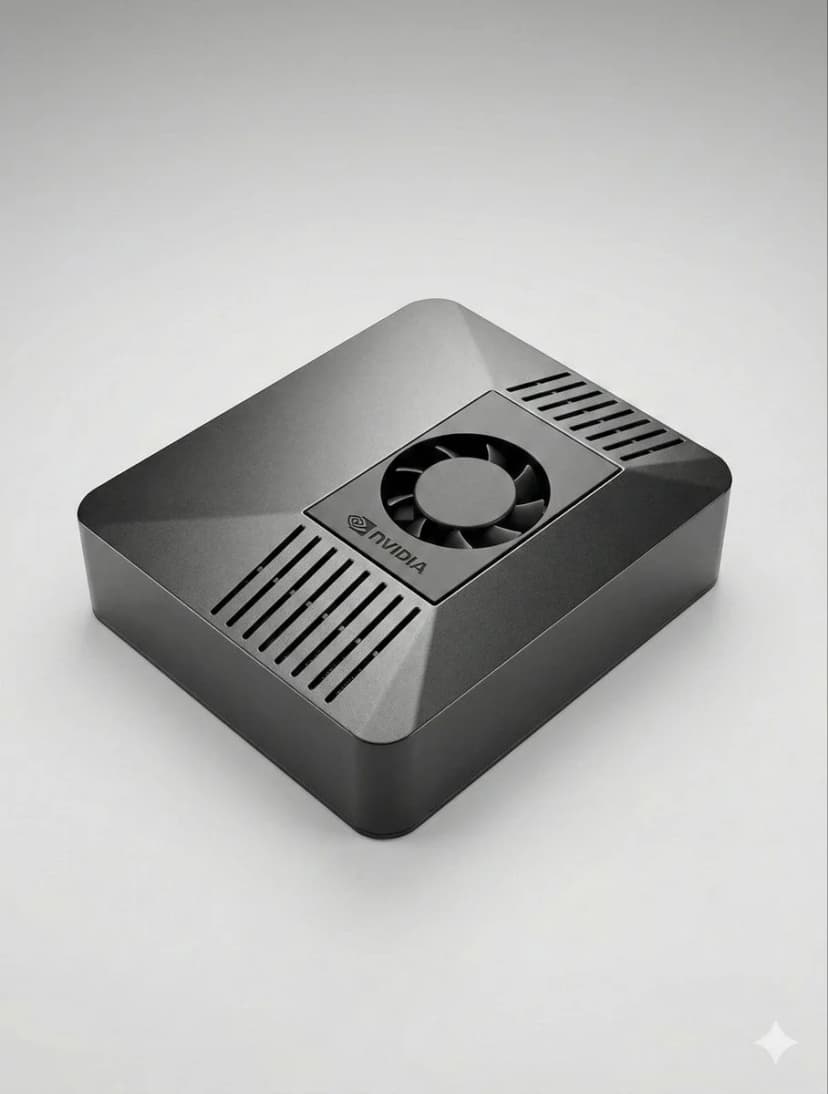
Tutto quello che ti serve per eseguire OpenClaw localmente — dalle specifiche minime alle configurazioni avanzate.
Prerequisiti
- 1Node.js 18+ installato
- 24GB+ RAM raccomandati
- 3Linux, macOS o Windows
- 4Connessione Internet sempre attiva
Configurazione Telegram
- 1Apri Telegram e cerca @BotFather
- 2Invia /newbot per creare un bot
- 3Copia il token API
- 4Aggiungi il token alla configurazione OpenClaw
Configurazione Discord
- 1Vai al Portale degli sviluppatori Discord
- 2Crea una nuova applicazione
- 3Crea un bot e ottieni il token
- 4Abilita gli intenti richiesti
Pipeline vocale
- 1Installa Whisper per il riconoscimento vocale
- 2Installa Kokoro TTS per la sintesi vocale
- 3Configura i dispositivi audio
Modelli IA
- 1Aggiungi la tua chiave API (Anthropic, OpenAI, ecc.)
- 2Oppure scarica modelli locali
- 3Configura le preferenze del modello
- 4Testa con un prompt semplice
Configurazione avanzata
- 1Configura systemd per l'avvio automatico
- 2Configura l'automazione del browser
- 3Configura i cron job per il monitoraggio
Suggerimenti Pro
Esegui 'openclaw status' per verificare che tutti i servizi funzionino correttamente
Usa 'systemctl restart openclaw' se riscontri problemi dopo la configurazione
Controlla i log con 'journalctl -u openclaw -f' per il debug in tempo reale
Abilita gli aggiornamenti automatici per ottenere le ultime funzionalità e patch di sicurezza
Choose the right OpenClaw hardware before you set it up
OpenClaw setup is fastest when the hardware is already matched to your workload. If you are still deciding between ClawBox, Raspberry Pi, Mac Mini, or a mini PC, start with our guide to the best OpenClaw hardware before you configure bots, voice, and browser automation.
See the best hardware for OpenClawHai bisogno di aiuto?
Unisciti alla nostra comunità Discord per assistenza alla configurazione.
If you want the more structured step-by-step reference version, including troubleshooting follow-up, open the docs setup guide.
If your main goal is messaging, jump straight to the OpenClaw Telegram setup guide for BotFather, allowFrom, pairing, and group-safe defaults.
Skip the Setup — Get ClawBox
Pre-configured with OpenClaw + 4 AI models. Plug in, connect WiFi, scan QR. Done in 5 minutes.
Garanzia di rimborso di 30 giorni