← Back to All Comparisons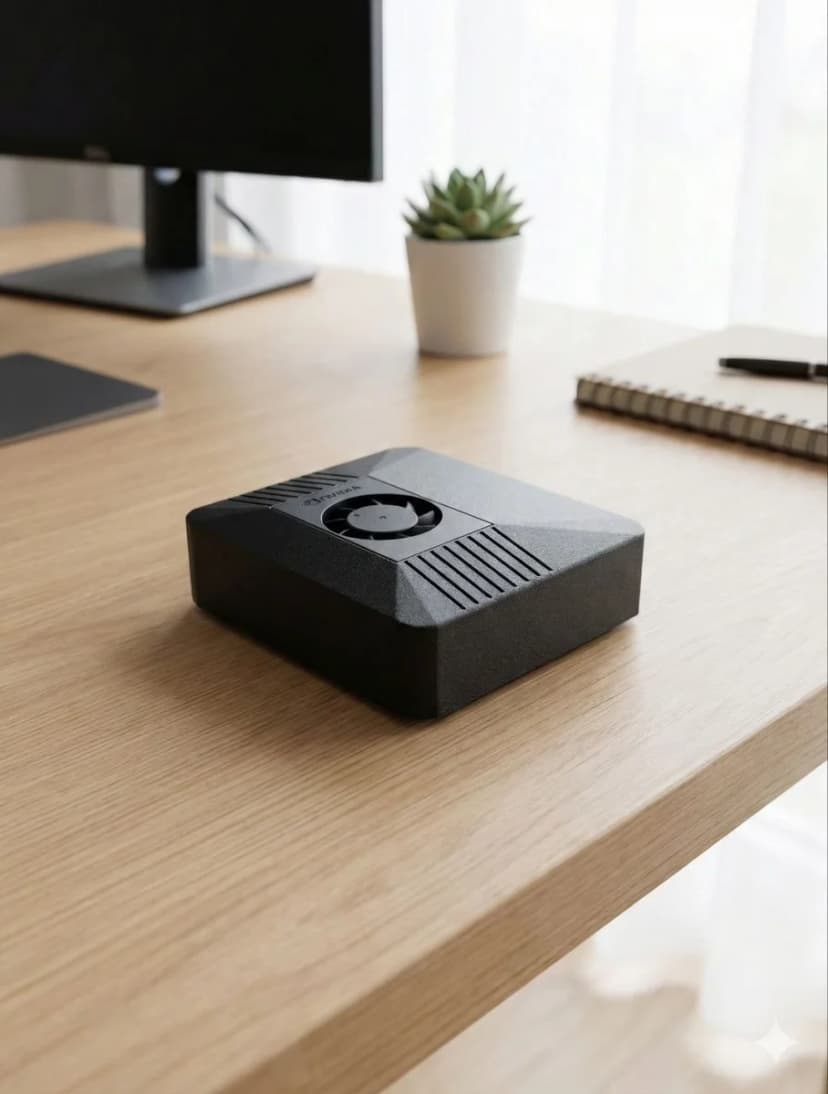
ClawBox vs Home Server
Dedicated AI Hardware vs DIY Server
Running AI on a home server with a GPU means 200–500W power draw, fan noise, and weekend-long setup. ClawBox gives you dedicated AI compute at 15W, near-silent, pre-configured.
Feature-by-Feature
See where each option wins — and where ClawBox makes the difference.
| Feature | 🦞 ClawBox | 🖥️ Home Server + GPU |
|---|---|---|
| Total Cost | ✓€549 | €800–2,000+ |
| Power Draw | ✓15–25W | 200–500W |
| Annual Electricity (24/7) | ✓~€13/year | €150–400/year |
| Noise Level | ✓Near-silent (~15 dB) | Fan noise |
| Size | ✓Fits on your desk | Tower / rack |
| Setup Time | ✓5 minutes | Hours to days |
| AI Performance | 67 TOPS | ✓Higher (RTX 4090: 1321 TOPS) |
| Run 70B+ Models Locally | No (7–13B max) | ✓Yes |
| OpenClaw Pre-installed | ✓Yes | Manual setup |
| Always-on Practical? | ✓Yes (designed for it) | Expensive to run 24/7 |
| WiFi + Bluetooth | ✓Dual-band WiFi + BT 5.0 built-in | Depends on hardware |
| BYOK (Cloud Models) | Yes | Yes |
The Smart Approach: ClawBox + Cloud Models
ClawBox with BYOK gives you the best of both worlds: use powerful cloud models (GPT, Claude, Gemini) for intelligence, while keeping your automation, memory, and data local on efficient hardware.
No need for a power-hungry server when the heavy lifting happens in the cloud and the agent brain lives on ClawBox.
When to Choose What
Choose ClawBox if you want
- ✓ Always-on AI that costs pennies to run
- ✓ Plug-and-play — no Linux skills needed
- ✓ Quiet, compact, desk-friendly hardware
- ✓ Browser automation + messaging built in
- ✓ Cloud models via BYOK when you need them
Choose a Home Server if you need
- → Running 70B+ parameter models locally
- → Maximum GPU horsepower for training
- → Multiple concurrent AI workloads
- → Already have the hardware sitting around
Ready to Switch?
Stop comparing, start building. ClawBox is plug-and-play AI hardware — ready in 5 minutes.
🛡️ 30-Day Money-Back Guarantee
✓ Secure payment via Stripe