Anthropic Claude + ClawBox
Claude AI workflows with dedicated ClawBox hardware
Use Claude for thoughtful writing, coding, research, and long-context reasoning while ClawBox keeps your automations, files, browser sessions, voice setup, and assistant memory under your control.
Claude is excellent for careful reasoning and natural writing. ClawBox can pair Claude with an always-on assistant environment for email drafts, documents, web research, calendar tasks, and automations from your own device.
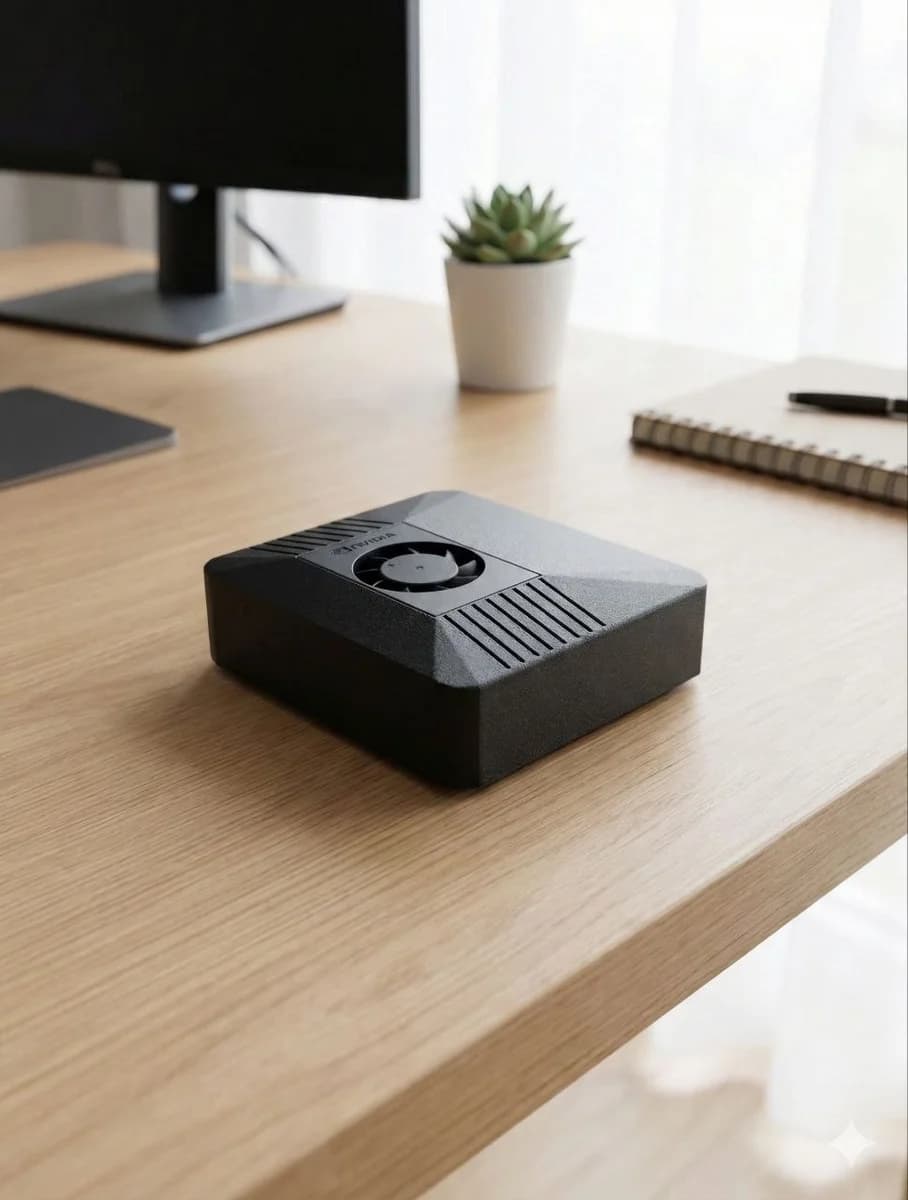

A calm, capable Claude workspace that runs 24/7
Claude shines when the work needs nuance: summarizing long documents, drafting clear emails, reviewing code, preparing research notes, and thinking through complex decisions. On ClawBox, Claude becomes part of an always-on local assistant instead of a single chat window.
ClawBox can receive a message in Telegram, read a local file, open a browser, run a scheduled check, or prepare a draft — then use Claude for the language, reasoning, or code assistance needed to finish the task when you configure Claude access. You choose when cloud reasoning is used; local workflows stay on your hardware.
The result is a practical Claude workflow: your own low-power box, your integrations, your automations, and Claude available for the tasks where a cloud model makes sense.
Best for
- •Executive summaries and long-form writing
- •Code review, debugging, and architecture notes
- •Email drafts and customer support replies
- •Research synthesis from pages, PDFs, and notes
- •Careful reasoning for business decisions
Why ClawBox helps
Always available
ClawBox keeps your assistant online even when your laptop is closed.
Local-first control
Files, automations, schedules, and browser sessions live on your ClawBox. Claude is called only when you choose to use cloud intelligence.
Real-world tools
Claude can be paired with OpenClaw tools for browsing, email, calendars, documents, messaging, and custom skills when Claude access is configured.
No single-provider lock-in
Use Claude for its strengths, and switch to GPT, Gemini, ClawBox AI, or local models whenever another model fits better.
Claude AI workflows people actually use
Research brief
ClawBox gathers pages and notes, Claude turns them into a clean executive summary with next steps.
Support response
ClawBox finds customer context, Claude drafts a friendly, accurate reply for review.
Code companion
Ask Claude to explain a bug, review a diff, or turn a rough plan into implementation notes.
FAQ
Can ClawBox use Claude AI?
Yes. ClawBox/OpenClaw can use Claude through supported cloud or bring-your-own-key configurations where available.
Is Claude running locally on ClawBox?
Claude itself is a cloud model from Anthropic. ClawBox keeps the assistant, tools, files, automations, and local models on your device, then calls Claude when you opt into cloud reasoning.
Why use Claude with ClawBox instead of only the Claude web app?
ClawBox gives Claude-backed workflows a 24/7 home with messaging, browser automation, local files, schedules, and custom skills — useful when you want an assistant that can act, not just chat.
Use Claude from your own AI assistant box
ClawBox ships with OpenClaw pre-installed, local AI support, optional cloud model access, browser automation, voice, messaging integrations, and a 30-day money-back guarantee.