Google Gemini + ClawBox
Gemini AI workflows with ClawBox
Use Gemini for fast reasoning, Google ecosystem tasks, images, documents, and multimodal assistance — coordinated by your ClawBox running OpenClaw.
Gemini is a strong model family for multimodal and Google-connected workflows. ClawBox gives Gemini-powered workflows an always-on hardware base for browser automation, research, messaging, voice, smart home tasks, and local-first AI work.
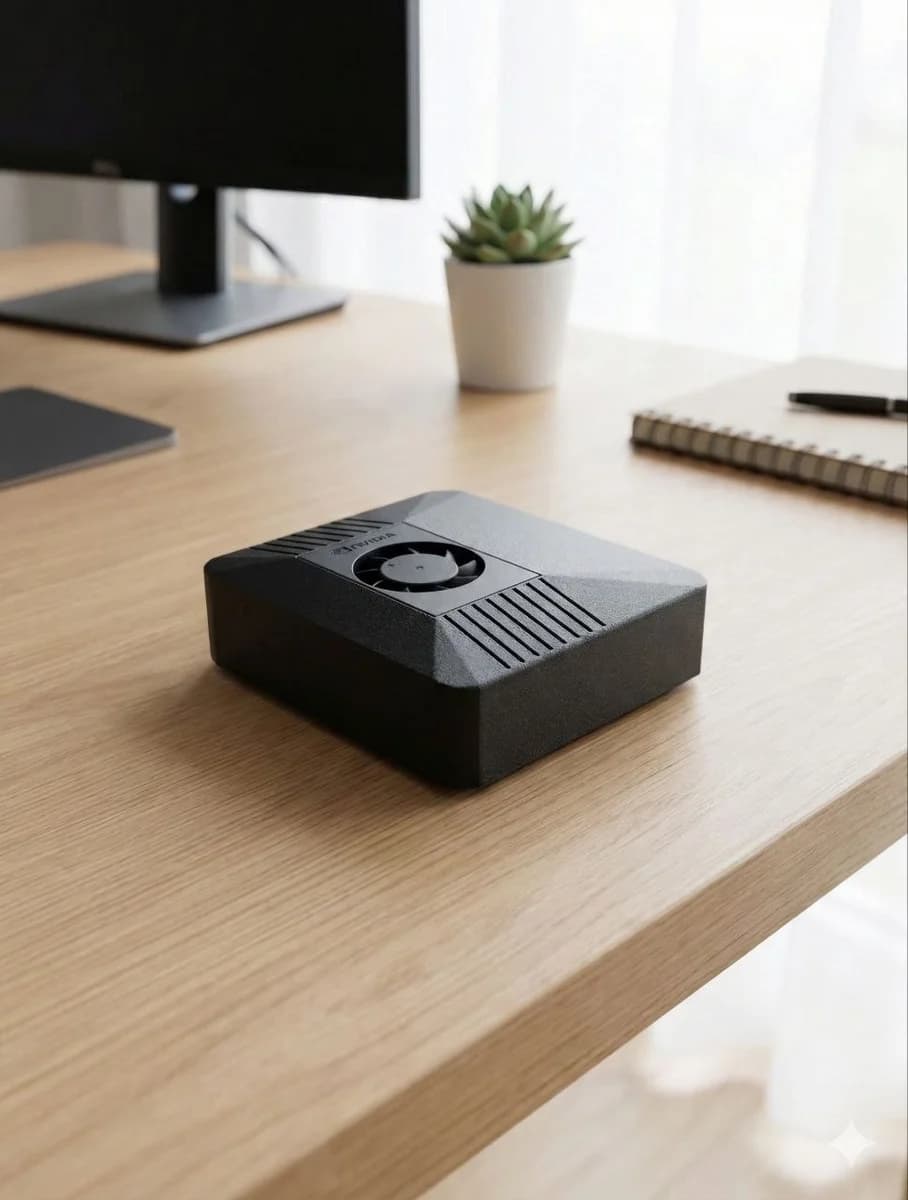

Gemini plus ClawBox is a powerful research and productivity stack
Gemini is built for modern multimodal work: text, images, documents, and rich web context. ClawBox makes Gemini-backed workflows practical by connecting them to an always-on device with browser automation, messaging, local files, scheduled tasks, and voice interfaces.
A Gemini-connected ClawBox can help compare products, summarize pages, reason over documents, prepare plans, and automate routine web tasks. You get the strengths of Google Gemini without giving up the local-first assistant architecture of OpenClaw.
For users who already live in Google services, Gemini can be a natural model choice — while ClawBox keeps the actual assistant independent, extensible, and provider-flexible.
Best for
- •Multimodal reasoning with text and images
- •Research and web-context workflows
- •Google ecosystem productivity
- •Document summaries and comparisons
- •Fast creative planning
Why ClawBox helps
Model flexibility
Use Gemini for multimodal jobs, then switch to Claude, GPT, ClawBox AI, or local models for other tasks.
Automation layer
ClawBox adds tools Gemini alone does not provide: scheduled checks, browser control, messaging bridges, and local skills.
Local assistant memory
Keep your assistant configuration, workflows, and device state on ClawBox while choosing when to call Gemini.
Low-power 24/7 hardware
A Jetson-based ClawBox can sit quietly on your network and run AI workflows around the clock.
Gemini AI workflows on ClawBox
Visual research
Use Gemini for image-aware analysis while ClawBox handles collection, follow-up, and delivery.
Google-friendly planning
Draft plans, summaries, and task lists that fit naturally into Google Workspace-style workflows.
Web comparison assistant
Let ClawBox browse, collect options, and ask Gemini to compare tradeoffs clearly.
FAQ
Can ClawBox use Gemini AI?
Yes. ClawBox/OpenClaw can use Gemini through supported Google model access or bring-your-own-key workflows where available.
Why use Gemini on ClawBox?
Gemini is strong for multimodal and Google-connected tasks. ClawBox adds the always-on assistant layer: tools, automations, messaging, local files, and scheduled work.
Can I switch between Gemini and other AI models?
Yes. ClawBox is designed for model choice. Gemini, GPT, Claude, ClawBox AI, and local models can all fit into the same assistant workflow.
Use Gemini from your own AI assistant box
ClawBox ships with OpenClaw pre-installed, local AI support, optional cloud model access, browser automation, voice, messaging integrations, and a 30-day money-back guarantee.