OpenAI GPT + ClawBox
GPT AI workflows from your always-on assistant box
Bring GPT into a practical hardware workflow: messaging, browser automation, coding help, voice, files, and scheduled tasks coordinated by ClawBox.
GPT models are fast, versatile, and familiar. ClawBox gives GPT-powered workflows a dedicated device that can coordinate tools, automate websites, draft content, answer messages, and help with code while your workflow remains local-first.
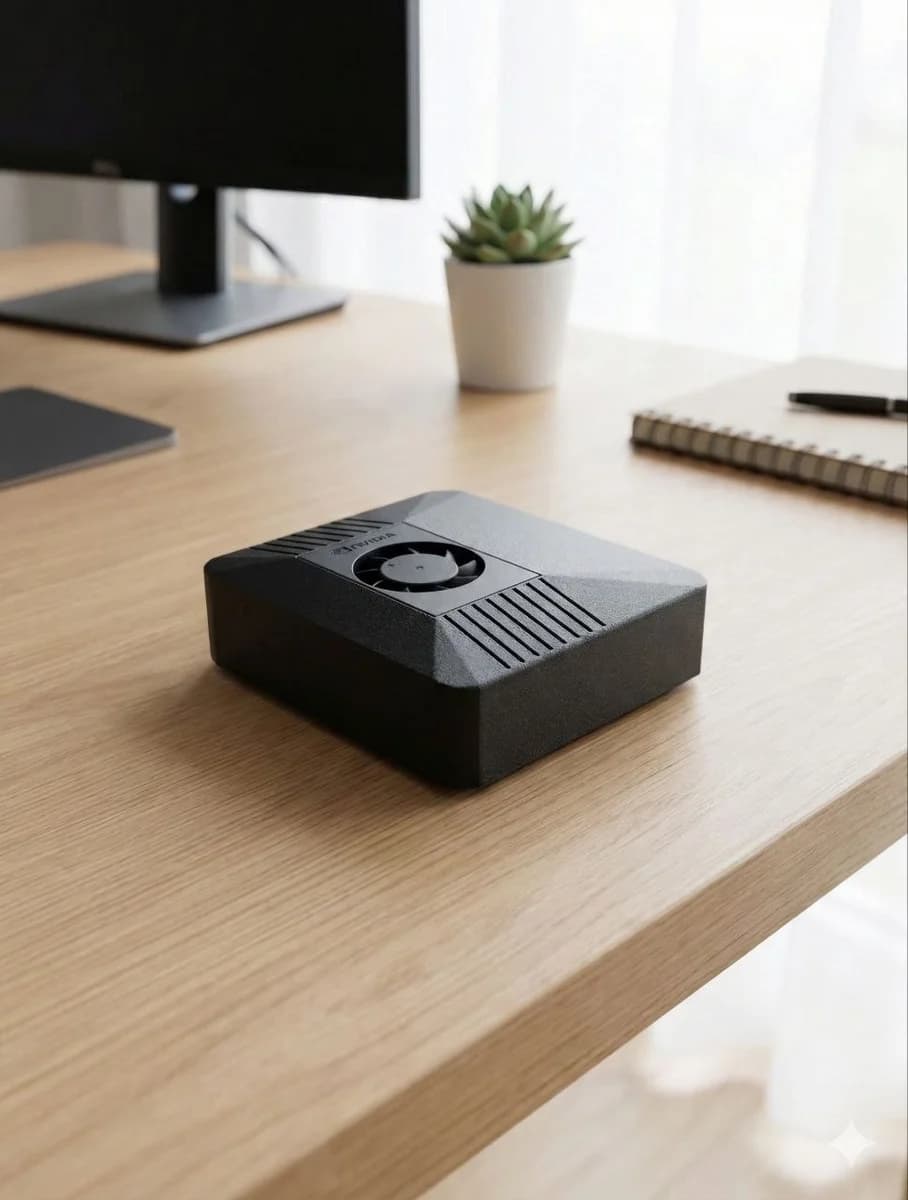

GPT becomes more useful when it has a device to work from
GPT is a strong all-rounder: quick answers, brainstorming, coding, structured extraction, data cleanup, and everyday productivity. ClawBox turns GPT into an assistant that can live where your workflows live — messaging apps, browsers, files, calendars, and home automations.
Instead of repeatedly opening a web app, you can message ClawBox and let it coordinate the steps: gather context, call GPT for reasoning or drafting, and return a result where you already work. For many users, this is the difference between AI as a tool and AI as a dependable teammate.
ClawBox also keeps choice open. GPT can be one option for fast daily tasks, while Claude, Gemini, ClawBox AI, or local models handle other jobs.
Best for
- •Everyday Q&A and brainstorming
- •Coding help and script generation
- •Spreadsheet and text cleanup
- •Browser automation instructions
- •Email, message, and document drafts
Why ClawBox helps
GPT in your messaging apps
Use GPT-backed workflows through Telegram, WhatsApp, Discord, or the ClawBox UI without keeping a browser tab open, when GPT access is configured.
Browser automation
Pair GPT reasoning with Chromium automation for forms, monitoring, research, and repetitive web tasks.
Hybrid model choice
Use GPT when it is the best fit, then switch to Claude, Gemini, ClawBox AI, or local models in the same assistant.
Dedicated hardware
A low-power Jetson-based box runs continuously, so GPT-powered workflows can be proactive and scheduled.
GPT AI workflows on ClawBox
Daily operator
Ask GPT through ClawBox to summarize priorities, check pages, prepare replies, and track small tasks.
Coding sprint
Use GPT to generate scripts, explain errors, and turn rough ideas into implementation steps.
Content assistant
Draft posts, landing-page copy, FAQs, and product explainers with context from your own files.
FAQ
Can ClawBox use GPT models?
Yes. ClawBox/OpenClaw can use OpenAI GPT models through bring-your-own-key or account-based integrations where supported.
Is GPT private on ClawBox?
Your ClawBox workflows, files, automations, and local models stay on your device. When you use GPT, the selected prompt/context is sent to the cloud provider, so you stay in control of when cloud AI is used.
Is this the same as ChatGPT hardware?
It is a similar workflow idea: GPT becomes more useful when it is connected to a dedicated always-on AI assistant box with tools, memory, and automation.
Use GPT from your own AI assistant box
ClawBox ships with OpenClaw pre-installed, local AI support, optional cloud model access, browser automation, voice, messaging integrations, and a 30-day money-back guarantee.