OpenClaw Hardware
What's the best hardware for OpenClaw?
Compare ClawBox, Raspberry Pi, Mac Mini, and home servers. Find the perfect balance of price, performance, and ease of use.
This is the main comparison page for people searching for OpenClaw hardware. Compare ClawBox, Mac Mini, Raspberry Pi, and home server setups to decide which OpenClaw hardware option makes the most sense for 24/7 use.
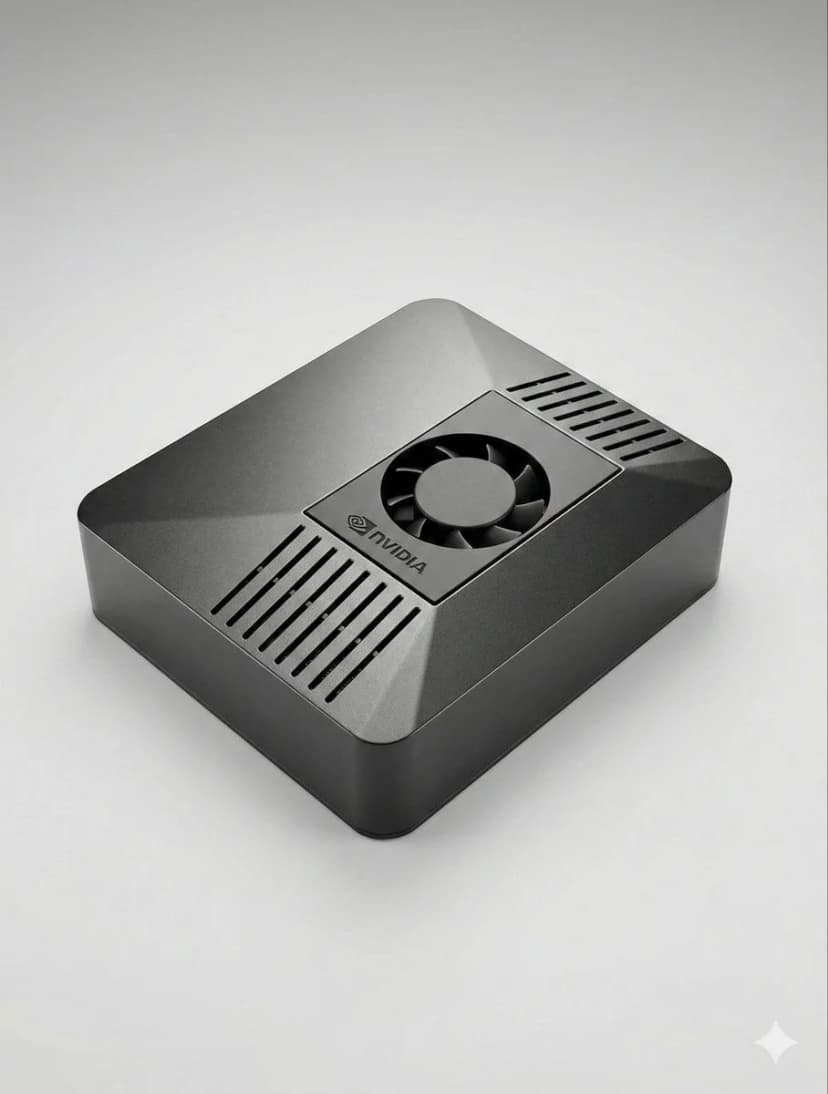
What is the best hardware for OpenClaw?
If you want a dedicated OpenClaw box that runs 24/7, handles local AI well, and sets up in minutes, ClawBox is the best OpenClaw hardware. If you want a DIY route, compare Mac Mini, Raspberry Pi, and home server tradeoffs before you buy.
OpenClaw hardware requirements
See the minimum and recommended specs for running OpenClaw, local models, voice, and automation.
OpenClaw setup guide
Check the 5-minute setup path once you know which OpenClaw hardware route makes sense for you.
ClawBox vs Mac Mini
Compare the most common DIY alternative to dedicated OpenClaw hardware before you commit.
What Matters Most?
Key factors to consider when choosing AI hardware
AI Performance
TOPS (Trillion Operations Per Second) determines how fast AI models run locally.
Total Cost
Consider upfront cost plus electricity over 4 years of 24/7 operation.
Power Consumption
Lower watts = lower electricity bills and less heat. Critical for always-on devices.
Ready to Use
Pre-configured vs hours of manual setup. Time is money.
Data Privacy
Local hardware keeps your data on your network. Cloud means someone else's server.
Noise Level
Fanless or near-silent operation matters for 24/7 devices in living spaces.
Best OpenClaw hardware options
If you are comparing OpenClaw hardware, focus on setup time, power draw, local AI performance, and whether the device is realistic to keep running all day.
ClawBox
NVIDIA Jetson Orin NanoPerformance
67 TOPS
Power
7-25W
Pros
- + Pre-configured — works in 5 minutes
- + 67 TOPS AI acceleration
- + 15W power consumption
- + Near-silent operation
- + Dual-band WiFi + Bluetooth 5.0
Cons
- − Higher upfront cost than Pi
Best overall. Purpose-built for OpenClaw with real AI acceleration.
Raspberry Pi 5
DIY OptionPerformance
~2 TOPS
Power
5-15W
Pros
- + Lowest cost
- + Low power (5-8W)
- + Large community
Cons
- − No AI acceleration
- − 1-3 hours setup
- − Browser automation struggles
Budget option, but you pay with time and performance.
Mac Mini M4
Apple SiliconPerformance
38 TOPS
Power
~22W
Pros
- + 38 TOPS Neural Engine
- + Premium build
- + Silent
Cons
- − €699+ price
- − 2-4 hours setup
- − Overkill for OpenClaw
Great if you already have one. Don't buy just for OpenClaw.
Home Server with GPU
Maximum PowerPerformance
100+ TOPS
Power
200-500W
Pros
- + Run 70B+ models locally
- + Full NVIDIA CUDA
- + Maximum flexibility
Cons
- − 200-500W power draw
- − €800+ cost
- − Noisy
Only for running massive local LLMs. Overkill for most users.
Quick Comparison
| Hardware | Price | AI Power | Watts | Setup |
|---|---|---|---|---|
| 🦞 ClawBox | €549 | 67 TOPS | 7-25W | Plug & Play |
| 🍓 Raspberry Pi 5 | ~€150 | ~2 TOPS | 5-15W | hours setup |
| 🍎 Mac Mini M4 | €699+ | 38 TOPS | ~22W | DIY Required |
| 🖥️ Home Server | €800+ | 100+ TOPS | 200-500W | hours setup |
Related OpenClaw hardware guides
Use these supporting guides to explore OpenClaw hardware requirements, setup steps, and dedicated-device recommendations without splitting the main ranking target.