硬件要求
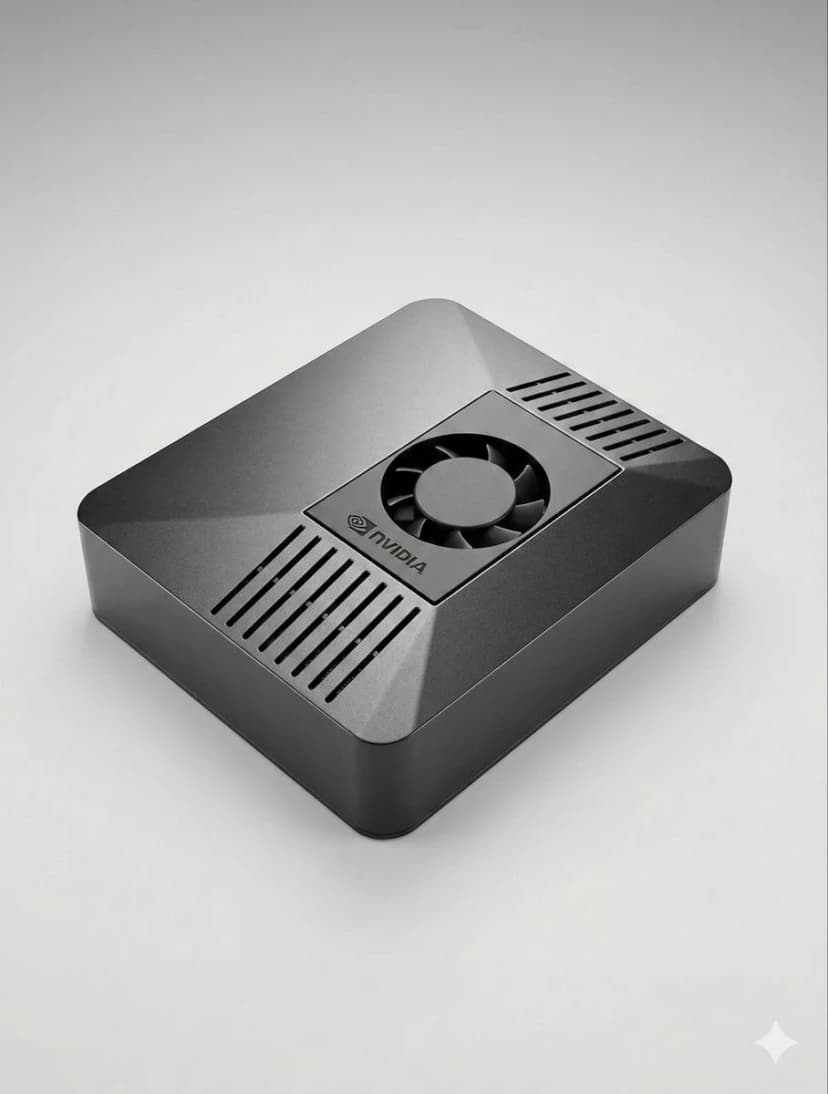
运行OpenClaw所需的一切 — 从最低配置到高端设置。
先决条件
- 1安装Node.js 18+
- 2推荐4GB+内存
- 3Linux、macOS或Windows
- 4持续在线连接
Telegram设置
- 1打开Telegram并搜索@BotFather
- 2发送/newbot创建机器人
- 3复制API令牌
- 4将令牌添加到OpenClaw配置中
Discord设置
- 1转到Discord开发者门户
- 2创建新应用程序
- 3创建机器人并获取令牌
- 4启用所需的意图
语音管道
- 1安装Whisper语音识别
- 2安装Kokoro文本转语音
- 3配置音频设备
AI模型
- 1添加您的API密钥(Anthropic、OpenAI等)
- 2或者下载本地模型
- 3配置模型偏好设置
- 4使用简单提示进行测试
高级配置
- 1设置systemd自动启动
- 2配置浏览器自动化
- 3设置监控cron作业
专业提示
运行'openclaw status'检查所有服务是否正常运行
如果遇到任何配置问题,可以使用'systemctl restart openclaw'重启
使用'journalctl -u openclaw -f'实时查看日志以进行调试
启用自动更新以获得最新功能和安全补丁
Choose the right OpenClaw hardware before you set it up
OpenClaw setup is fastest when the hardware is already matched to your workload. If you are still deciding between ClawBox, Raspberry Pi, Mac Mini, or a mini PC, start with our guide to the best OpenClaw hardware before you configure bots, voice, and browser automation.
See the best hardware for OpenClaw需要帮助?
加入我们的Discord社区以获得设置帮助。
If you want the more structured step-by-step reference version, including troubleshooting follow-up, open the docs setup guide.
If your main goal is messaging, jump straight to the OpenClaw Telegram setup guide for BotFather, allowFrom, pairing, and group-safe defaults.
Skip the Setup — Get ClawBox
Pre-configured with OpenClaw + 4 AI models. Plug in, connect WiFi, scan QR. Done in 5 minutes.
30天无忧退款